
Portal homepage.
Give members a focused sign-in gateway without exposing a shared public catalogue.
On this page
Choose Portal when your website or QR codes explain the offer and members need a place to sign in.
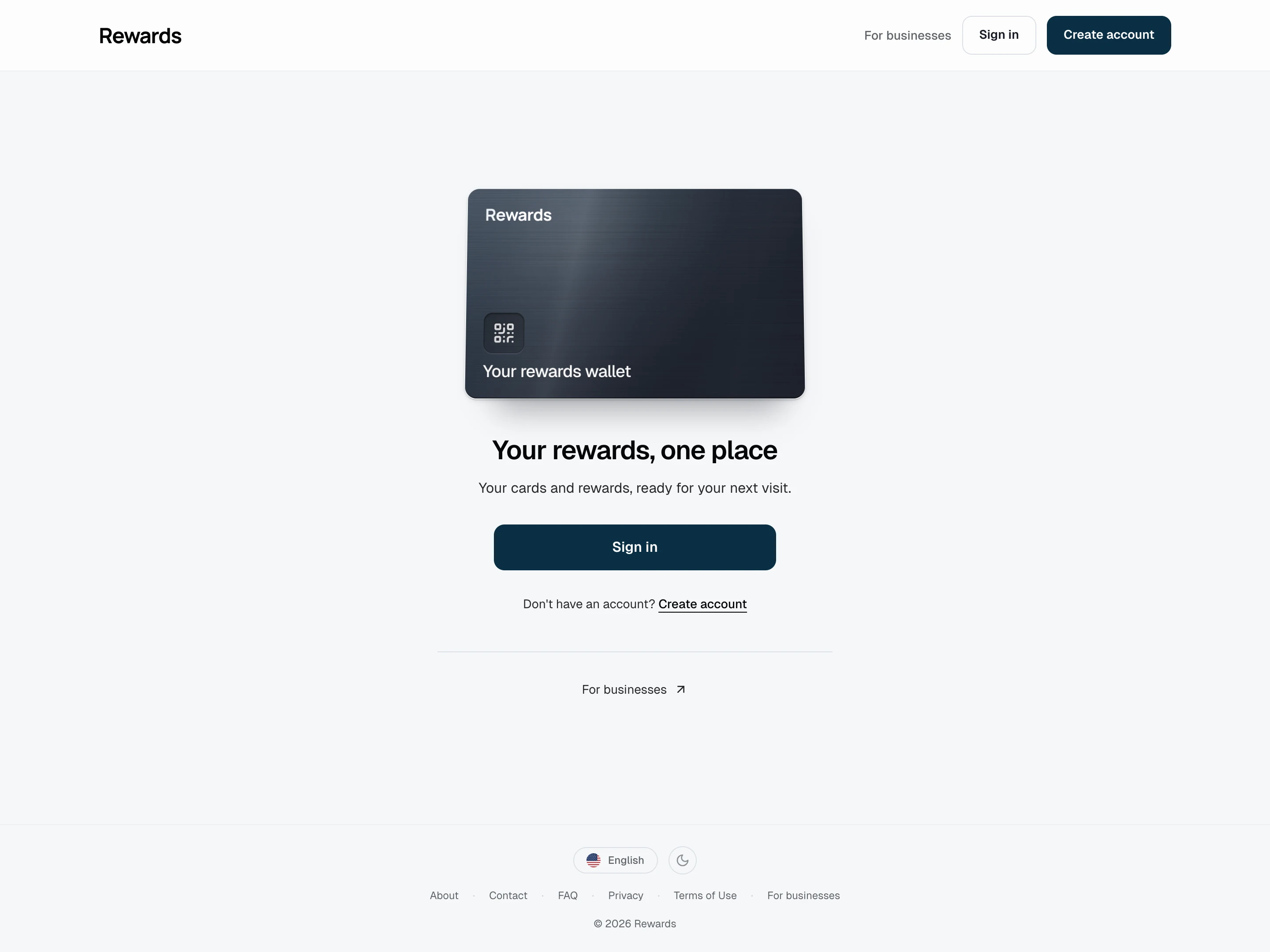
Desktop: A focused welcome screen with account access and no public program directory.
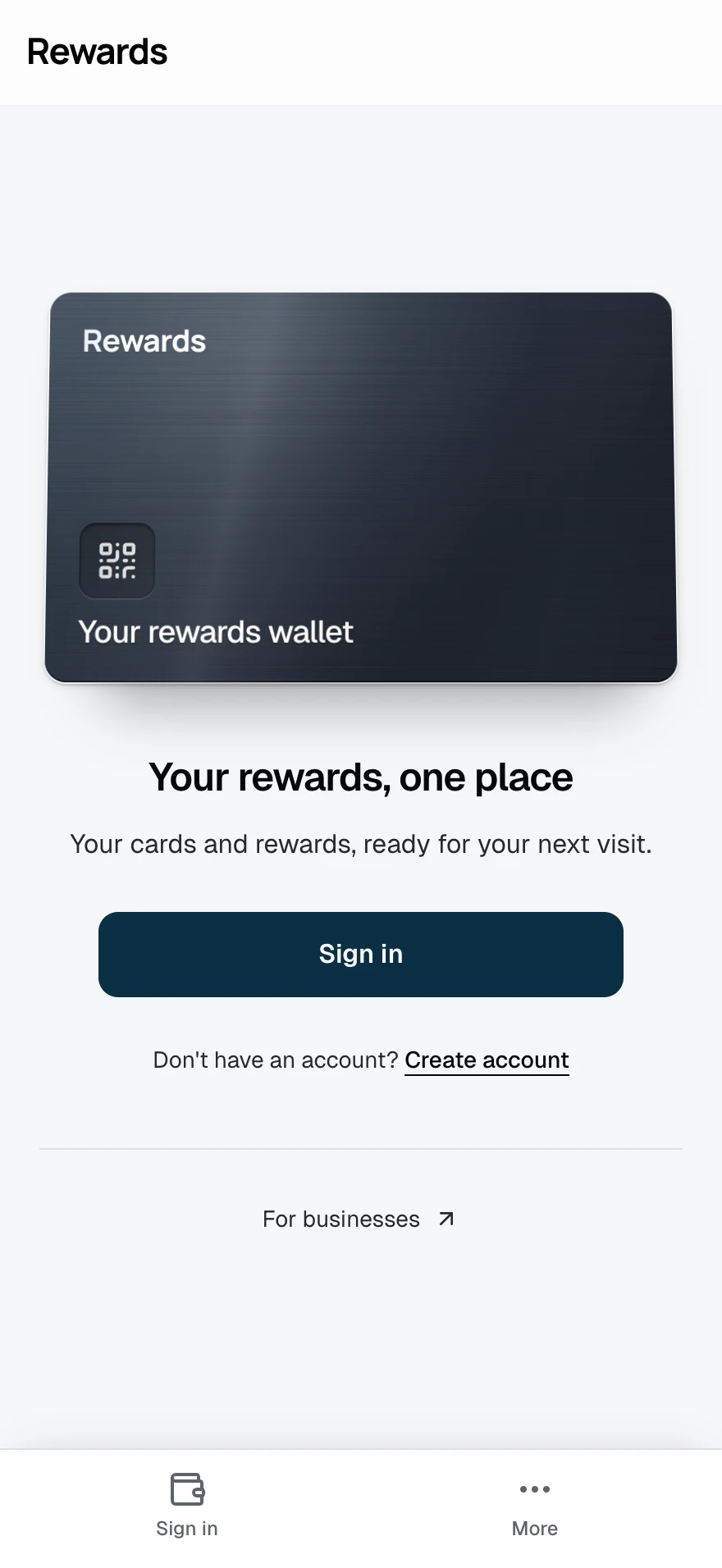
Mobile: The same account gateway on a phone.
How this homepage works
Portal is the quietest homepage. It gives members a direct route to sign in, create an account, or open their wallet, without presenting a public list of programs or businesses.
That makes it a strong default for agencies and white-label operators whose clients should remain unrelated in public. Each business promotes its own program through a QR code or direct link. The shared homepage does not reveal who else uses the installation.
Best use cases
- An agency serving unrelated businesses: One installation supports many isolated partners, while the homepage remains neutral.
- A loyalty app behind another website: The marketing site explains the offer; the app subdomain handles access.
- QR-first customer journeys: A table tent, counter sign, receipt, or email brings the member to the relevant program or sign-in flow.
- A single business with an established website: Keep the loyalty application focused on access instead of repeating the main site's content.
- A developer integrating a custom front end: Use direct program routes and leave the built-in homepage as an authentication gateway.
Portal is not a business listing. The businesses remain isolated, and no shared storefront tells one partner that another exists. Members may still collect programs from more than one business through the shared wallet architecture, but they discover those programs from the businesses themselves.
What visitors see
- The brushed-metal wallet card, facing forward above the welcome
- The application name, welcome message, and short tagline
- A sign-in button, or a link to the member's wallet when already signed in
- Account creation for new members
- A business-registration action when partner self-registration is enabled
- Small security and speed cues
Portal omits program cards, search, filters, promotional sections, and public partner names.
How discovery works without a listing
Each business sends customers to its own program:
- The business publishes a QR code, direct link, website button, or receipt message.
- The customer opens that program and signs in, signs up, or uses guest mode when enabled.
- The program joins the customer's wallet without exposing a catalogue of other businesses.
This preserves the value of one member account while keeping the acquisition journey under each business's control.
Portal or a public homepage?
| Choose Portal when... | Choose a public mode when... |
|---|---|
| Businesses should not appear together | The association between businesses is part of the offer |
| Another site or QR code explains the program | The homepage must persuade or help visitors discover programs |
| Members arrive to authenticate | Visitors arrive to browse |
| Minimal public content reduces distraction | Cards, campaigns, or search create value |
For a single brand, compare Showcase. For an approved collection, compare Smart wallet. For public discovery across many programs, compare Public listing.
Configure Portal
Open Settings → Homepage, select Portal, and save. The Homepage layouts guide lists the dashboard and .env values.
Portal does not use the homepage publication set because it renders no program collection. The Visible on homepage toggles remain stored, so switching to Smart wallet, Showcase, or Public listing can use them later.
Customize the application name, logo, and color under Branding. Change the welcome text and tagline for each language in Languages & translations: search for portal_welcome or portal_tagline.
Related
- Homepage layouts: Compare and configure all four modes
- The shared wallet concept: One account across isolated businesses
- Members joining a program: Direct links, QR codes, sign-in, and guest access
- Branding: Give the gateway your public identity